Habit tracker on your phone
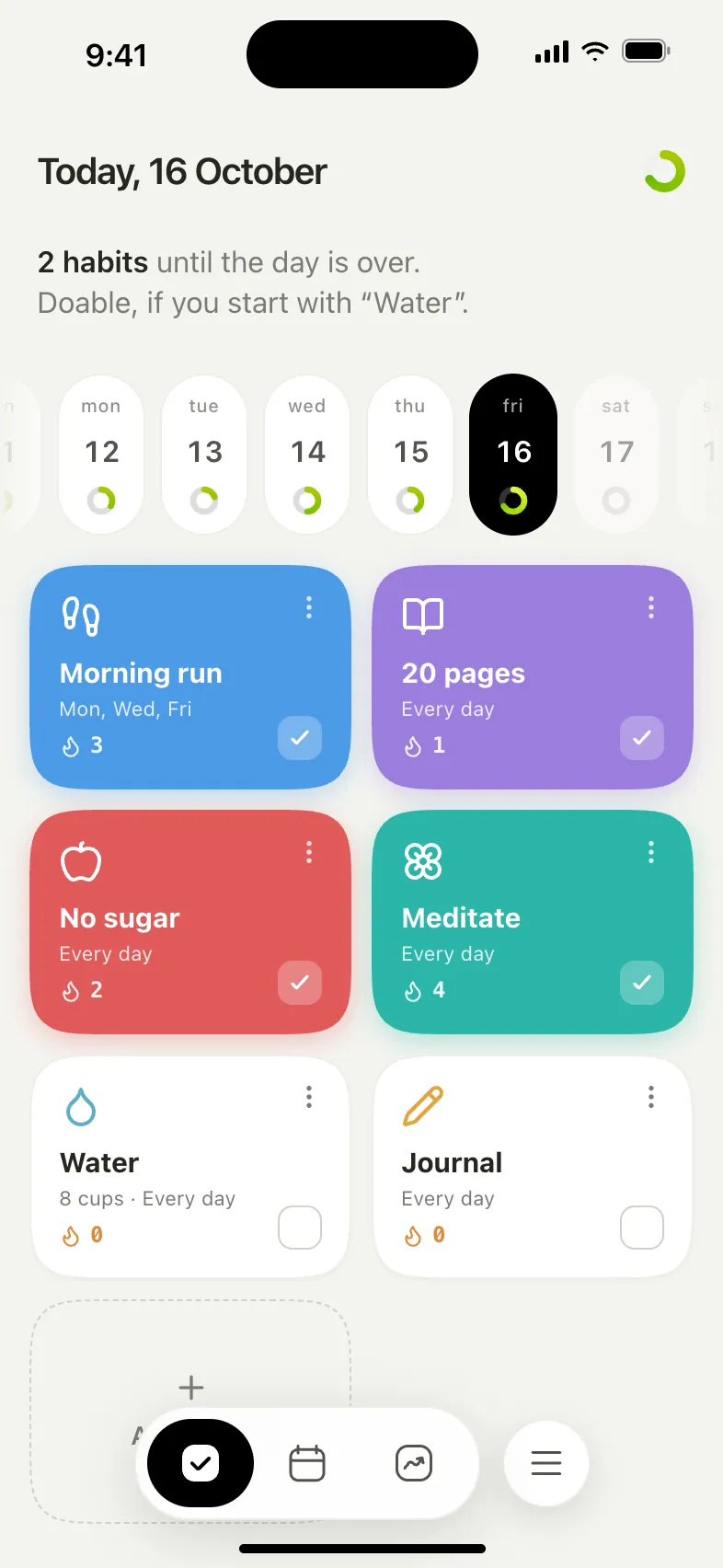
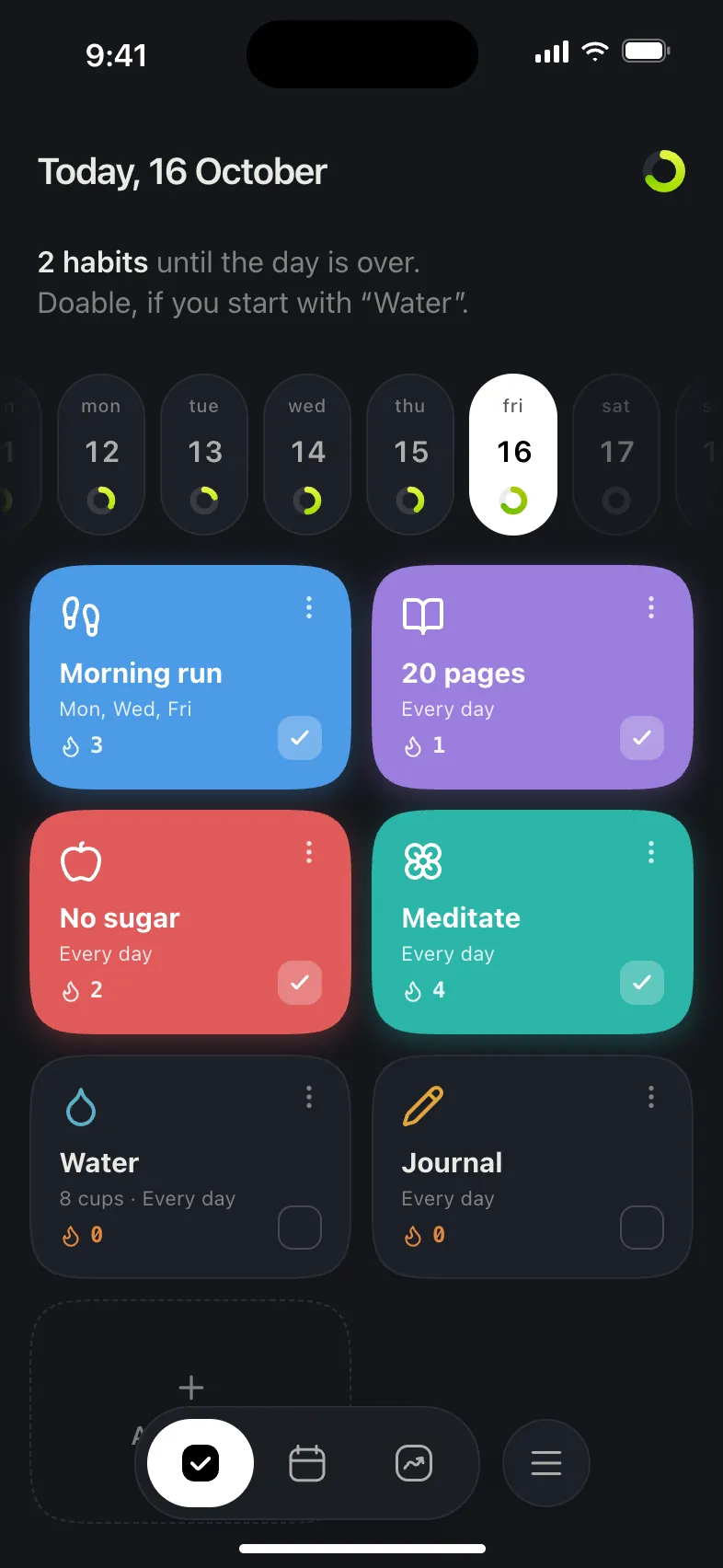
Oh My Tracker installs straight from the website in 10 seconds, with no App Store, Google Play or account. It updates itself.
Open appOpen it on your phone
Point your phone camera at the code to open the tracker in the browser.
How to install
iPhone and iPad
- 1
Open the tracker in Safari and tap “⋯” in the bottom bar.
- 2
Choose “Share”.
- 3
Tap “Add to Home Screen”.
- 4
Tap “Add”. The icon will appear on your Home Screen.
On iOS 18 and earlier the “Share” button sits right in the bottom bar, so start from the second step. In Telegram or Instagram, open the link in Safari first.
Android
- 1
Open the tracker in Chrome and tap the ⋮ menu.
- 2
Choose “Install app” or “Add to Home screen”.
- 3
Tap “Install”. The icon will appear on your home screen.
If Chrome shows an “Install app” banner on its own, just tap it. From Telegram or Instagram, open the link in Chrome first.
Computer
- 1
Chrome and Edge: click the install icon on the right of the address bar.
- 2
Safari on Mac: the menu “File → Add to Dock”.
The tracker opens in its own window, without tabs or an address bar.
What you get
Works offline
After the first launch you don’t need a connection: check-ins are saved on the device.
Reminders
Notifications at the time you choose. On iPhone too, if the tracker is added to the Home Screen.
Phone and computer together
Turn on sync and your check-ins are shared across all your devices.
Free and no account
No subscriptions, no ads, no sign-up.